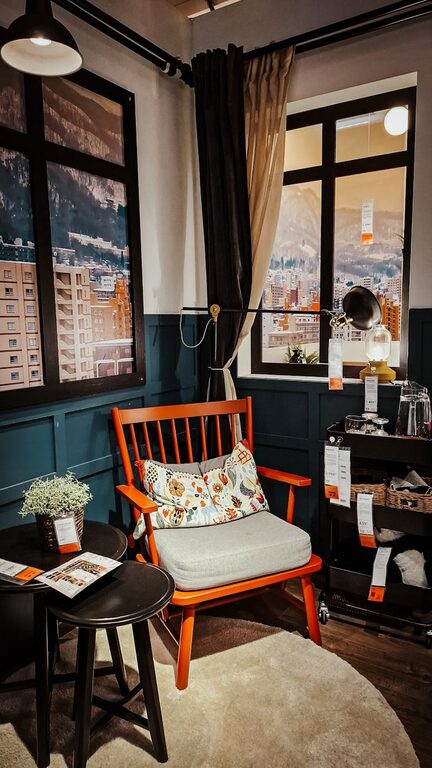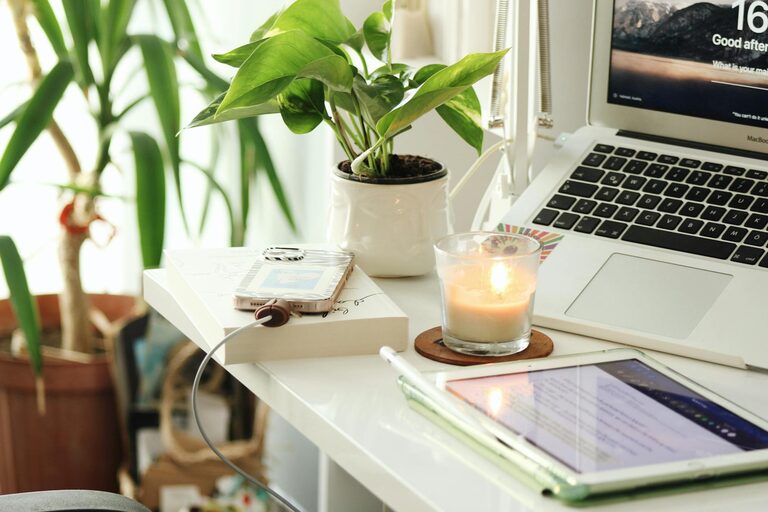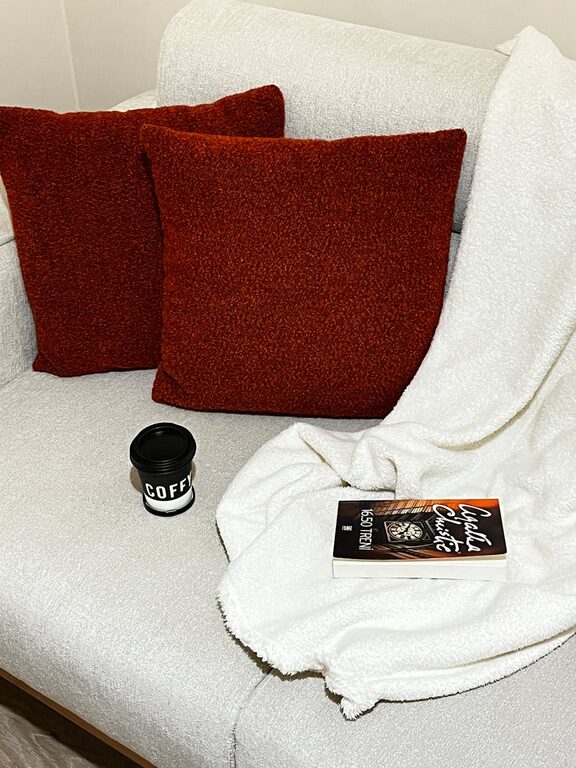
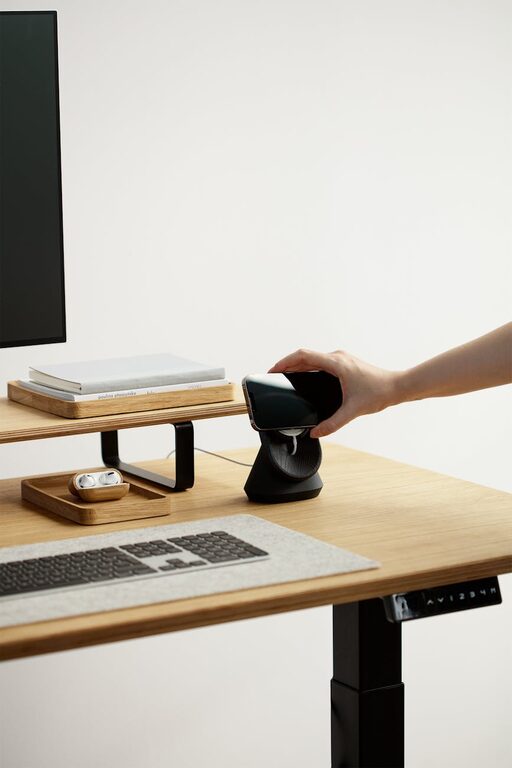
Creating a productive home office environment is essential for anyone working remotely or managing tasks from home. A well-organized and comfortable workspace can improve focus, reduce distractions, and increase your overall work satisfaction. Whether you have a dedicated room, a corner of the living room, or a small desk in your bedroom, these tips can help you design a home office that supports productivity and well-being.
1. Choose the Right Location
Find a Quiet Space
Select a spot in your home that is as quiet as possible. Avoid high-traffic areas like kitchens or entryways to minimize interruptions and noise distractions.
Consider Natural Light
Position your desk near a window to take advantage of natural light. Sunlight can boost mood and energy while reducing eye strain.
Dedicated Space vs. Shared Area
If possible, create a dedicated workspace that you use only for work. This helps your brain associate the area with focus and productivity.
2. Invest in Ergonomic Furniture
Supportive Chair
Choose a chair with adjustable height, good lumbar support, and comfortable cushioning. Sitting for long periods requires proper support to prevent back pain.
Appropriate Desk Height
Your desk should allow your arms to rest comfortably at a 90-degree angle while typing. Consider an adjustable desk to alternate between sitting and standing.
Monitor Positioning
Place your monitor at eye level, about an arm’s length away. This setup helps reduce neck strain and encourages better posture.
3. Optimize Lighting
Combine Natural and Artificial Light
Use natural light during the day and complement it with adjustable desk lamps or overhead lighting in the evening. Avoid harsh fluorescent lights.
Reduce Glare
Position your screen to avoid glare from windows or lamps. Anti-glare screen protectors or adjustable blinds can also help.
4. Organize Your Workspace
Declutter Regularly
Keep your desk tidy by removing items that you do not need daily. A clutter-free desk promotes clearer thinking.
Use Storage Solutions
Invest in shelves, drawers, or filing cabinets to store documents and supplies. Label containers for easier access.
Cable Management
Use clips, sleeves, or ties to organize cables and avoid tangles. A neat setup looks professional and prevents accidents.
5. Manage Distractions
Set Boundaries
Communicate your working hours to family or roommates to minimize interruptions.
Use Noise-Canceling Headphones
If external noise is a problem, noise-canceling headphones or background music can help you concentrate better.
Digital Distractions
Limit notifications on your phone or computer during work hours. Use apps or browser extensions that block distracting websites.
6. Personalize Your Space
Add Plants
Indoor plants can improve air quality and add a calming touch to your workspace.
Inspirational Items
Use photos, artwork, or motivational quotes that make you feel positive and energized.
Comfort Accessories
Keep a small blanket, wrist rest, or footrest handy to enhance comfort throughout the day.
7. Establish a Routine
Set Work Hours
Define specific start and end times to create structure and maintain a work-life balance.
Take Regular Breaks
Follow the Pomodoro Technique or schedule short breaks every hour to rest your eyes and stretch.
Plan Your Day
Start each day by listing your tasks and prioritizing important work. This helps you stay on track.
8. Keep Technology Up to Date
Reliable Internet
A fast and stable internet connection is crucial for video calls and online collaboration.
Upgraded Equipment
Ensure your computer, printer, and other devices are functioning properly to avoid technical delays.
Backup Data
Regularly back up your work on cloud services or external drives to protect against data loss.
—
By implementing these tips, you can transform your home office into a space that encourages productivity, comfort, and creativity. A thoughtfully designed work environment not only improves your efficiency but also contributes to a healthier and more enjoyable work-from-home experience. Start small, adjust as needed, and create a workspace that works best for you.
About the Author